
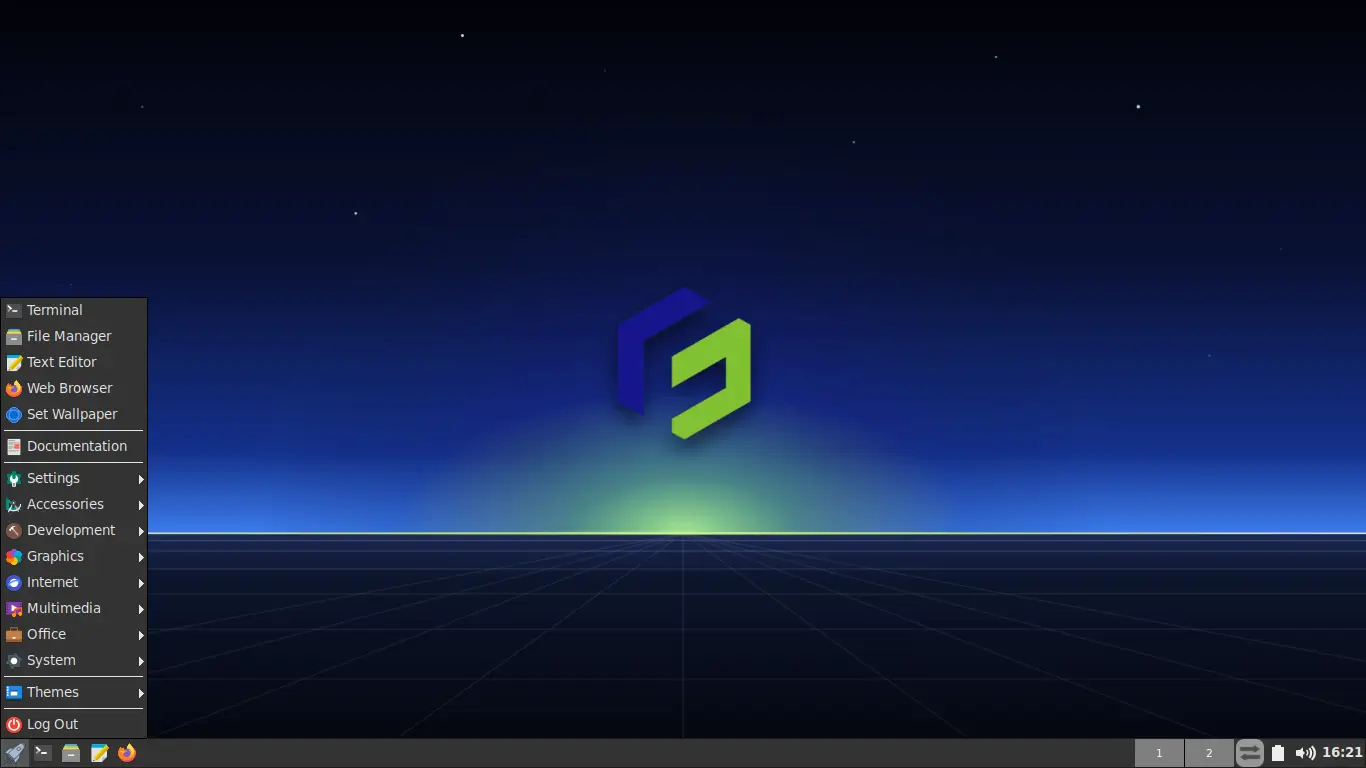
Release Date: September 13, 2026
Base: Ubuntu 24.04.5 LTS (Noble Numbat)
The FunOS team is pleased to announce the release of FunOS 24.04.5 LTS, the fifth point release for the FunOS 24.04 series.
This update brings the latest package bases, a refreshed kernel, and several major hardware compatibility improvements requested by the community, including 32-bit UEFI support and Broadcom networking drivers.
What’s New in FunOS 24.04.5 LTS
1. Updated Package Base
The system packages have been synchronized with the upstream Ubuntu 24.04.5 LTS repositories, providing all the latest security updates and bug fixes out of the box.
2. Linux Kernel 7.0.0-31
This release ships with the updated Linux Kernel 7.0.0-31, bringing enhanced hardware support and performance refinements.
3. Firefox ESR 140.16.0esr
The default web browser has been updated to the latest Firefox Extended Support Release (140.16.0esr) for secure and stable browsing.
4. Support for 32-bit UEFI Firmware
FunOS 24.04.5 LTS now includes native bootloader support for devices that feature 32-bit UEFI firmware paired with a 64-bit CPU (such as the Lenovo IdeaPad 100S and various Intel Atom tablets).
5. Support for Broadcom 43xx Wireless Cards
To improve legacy hardware compatibility, out-of-the-box support for Broadcom BCM43xx series wireless network cards has been integrated into the installer.
6. OEM Install Mode
A new OEM install (for manufacturers) mode has been added to the GRUB boot menu. This allows system builders and manufacturers to pre-install FunOS onto devices, presenting the end-user with a fresh setup wizard on their first boot.
Support Lifespan
FunOS 24.04.5 LTS will receive:
- End of Standard Support: June 2029
- End of Life (EOL): April 2036
Download FunOS 24.04.5 LTS
You can download the official ISO from the link below:
Notes for Existing Users
If you are already running FunOS 24.04, 24.04.1, 24.04.2, 24.04.3, or 24.04.4 you do not need to reinstall from the ISO. You can seamlessly upgrade your system to 24.04.5 by following these steps:
1. Update Installed Packages
sudo apt update
sudo apt upgrade
2. Download the Update Script
rm -f funos-update
wget https://raw.githubusercontent.com/funos-linux/funos-updates/main/ubuntu/24.04/funos-update
3. Install the Script
sudo install -m 755 funos-update /usr/bin/funos-update4. Run the Update Script
sudo funos-update5. Clean Up and Reboot
rm -f funos-update
sudo apt autoremove
sudo reboot now
Final Thoughts
FunOS 24.04.5 LTS is a highly focused update that bridges the gap between modern software stability and robust legacy hardware support. Whether you are installing it on older devices with 32-bit UEFI firmware, requiring built-in Broadcom Wi-Fi drivers, or rolling out custom OEM deployments, this release ensures a smoother and more reliable out-of-the-box experience.
We would like to extend a huge thank you to our community for their continuous feedback and rigorous testing, which directly shaped the improvements in this release. Enjoy the update!